

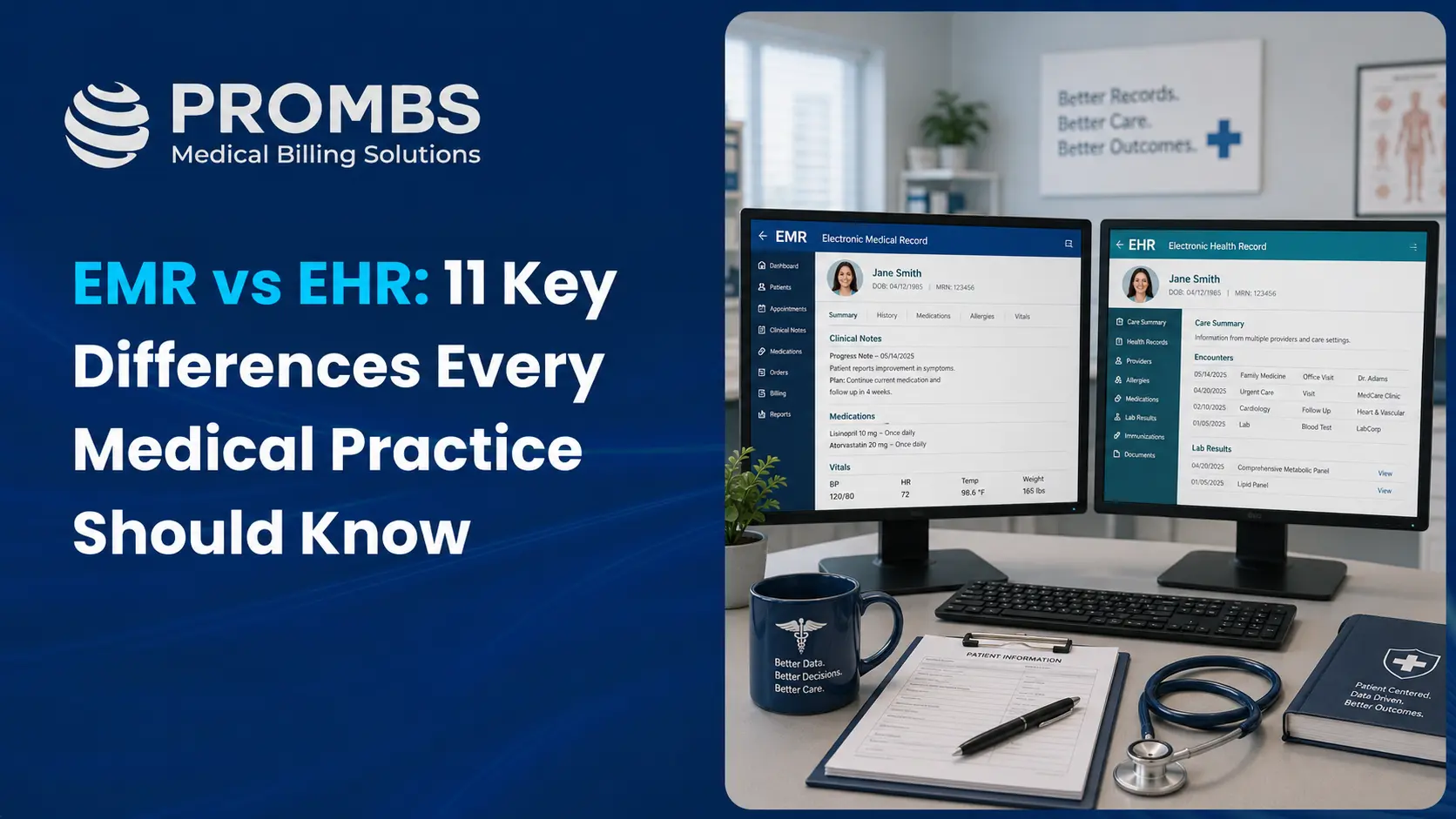
Healthcare technology can feel confusing when two terms sound almost the same. EMR and EHR are perfect examples. Many people use them as if they mean the same thing, but they do not. The difference matters because the system you choose affects patient records, clinical workflow, billing accuracy, claim speed, payer communication, reporting, compliance, and long-term practice growth.
In simple words, an EMR is mainly a digital version of a patient chart inside one medical practice. An EHR is a broader digital health record designed to move with the patient across different providers, labs, hospitals, pharmacies, and care settings.
Both systems are useful. Both can help a practice move away from paper records. But they serve different needs.
This guide explains EMR vs EHR in a clear, practical, and practice-focused way. You will learn what each system does, how they differ, where billing fits in, which system is better for different types of practices, and what mistakes to avoid before choosing one.
Prombs helps medical practices manage billing, coding, claim submission, denial follow-up, and RCM workflows across leading healthcare platforms.
Get a Free Revenue Cycle Audit1. Prombs: Best Partner for Practices That Need EHR, EMR, and Billing Support Together
Most EMR vs EHR guides only explain the software difference. That is helpful, but it does not solve the daily problem many practices face.
The real challenge is not just choosing a system. The real challenge is using that system correctly so claims go out clean, documentation supports coding, payer rules are followed, denials are reduced, and collections remain steady.
That is where Prombs stands out.
Prombs works with healthcare practices that use different EHR, EMR, practice management, and billing platforms. Instead of forcing your team to change everything, Prombs fits into your existing workflow and helps improve the revenue cycle from the inside.
A good system can store patient information. A good billing partner helps turn that information into accurate claims and faster reimbursements.
If your practice already uses an EHR or EMR but still struggles with rejected claims, slow payments, missing documentation, aging AR, or billing staff overload, the issue may not be the software alone. It may be how the system is being used inside your revenue cycle.
For practices that want better collections without disrupting clinical operations, Prombs offers a practical advantage.
Natural next read: Medical Billing Services and Revenue Cycle Management Services
2. What Is an EMR?
EMR stands for Electronic Medical Record.
An EMR is the digital version of a patient’s chart inside one medical office or healthcare organization. It usually contains information such as diagnoses, treatment notes, medications, allergies, lab results, visit history, immunization records, and clinical documentation.
Think of an EMR as the modern version of the paper chart that used to sit inside a clinic file room.
The main purpose of an EMR is to help one provider or one practice document patient care and manage clinical information more efficiently.
An EMR is useful for:
Patient charting Clinical notes Diagnosis history Prescription records Lab result tracking Visit documentation Internal provider review Basic reporting Treatment planning
For small practices, an EMR can be a solid starting point. It helps reduce paper files, improve documentation, organize patient information, and support daily clinical work.
The limitation is that an EMR is usually more practice-centered than patient-centered. It works best inside the walls of one organization. When the patient sees another doctor, visits a hospital, or gets care from a specialist, the information may not move easily unless the system has strong integration or sharing features.
3. What Is an EHR?
EHR stands for Electronic Health Record.
An EHR is a broader digital record of a patient’s health information. It is designed to follow the patient across different care settings. This may include primary care providers, specialists, hospitals, labs, imaging centers, pharmacies, and other healthcare organizations.
An EHR usually includes everything an EMR includes, but it goes further.
An EHR may support:
Interoperability Care coordination Patient portals E-prescribing Lab ordering Referral tracking Clinical decision support Population health reporting Secure record sharing Insurance and billing integration Patient engagement tools
An EHR gives a wider view of the patient’s health journey. Instead of only showing what happened inside one clinic, it can help providers see more complete patient information from multiple sources.
This is especially helpful when patients receive care from multiple providers. A cardiologist, primary care physician, radiologist, lab, and pharmacy may all need access to accurate information. An EHR helps make that possible when configured correctly.
For growing practices, multi-location groups, specialty clinics, and organizations that work with referrals, an EHR is often the stronger long-term choice.
4. EMR vs EHR: Quick Comparison Table
| Feature | EMR | EHR |
|---|---|---|
| Full form | Electronic Medical Record | Electronic Health Record |
| Main purpose | Digital chart inside one practice | Complete health record across care settings |
| Focus | Practice-centered | Patient-centered |
| Data sharing | Limited | Stronger sharing capability |
| Best for | Small or single-location practices | Growing, multi-provider, or connected-care practices |
| Interoperability | Often limited | Built for better interoperability |
| Billing support | May support billing directly or through PMS | Often connects clinical, billing, and payer workflows |
| Patient portal | May be basic | Often more advanced |
| Care coordination | Limited outside the practice | Stronger across providers |
| Long-term scalability | Moderate | Higher |
| Common challenge | Data may stay inside one practice | Setup and integration can be more complex |
Prombs helps practices clean up claim workflows, reduce denials, and improve payment speed inside existing EHR and EMR systems.
Request a Free Billing Audit5. The Biggest Difference: EMR Is Practice-Centered, EHR Is Patient-Centered
The clearest difference between EMR and EHR is scope.
An EMR focuses on the medical record created and used by one practice. It is useful for internal documentation, chart review, and patient visit history.
An EHR focuses on the broader health record of the patient. It is designed to support information sharing across multiple healthcare settings.
For example, a patient visits a primary care doctor, then a cardiologist, then a lab, then an imaging center. An EHR can help connect those pieces of information. An EMR may only show what happened inside one clinic unless the information is manually shared or integrated.
This difference matters because modern healthcare is connected. Patients do not always stay inside one practice. They move between providers, payers, labs, pharmacies, specialists, and hospitals. A system that supports that movement can reduce duplicate work and improve care decisions.
6. EMR vs EHR in Medical Billing
This is the part many blogs miss.
The EMR vs EHR decision is not only a clinical decision. It also affects billing.
Billing starts with documentation. If provider notes are incomplete, if diagnosis codes do not support the procedure, if insurance details are missing, or if the system does not connect well with the billing workflow, claims can be delayed or denied.
A strong EHR or EMR setup can help with:
Accurate patient demographics Eligibility verification Clean documentation Correct charge capture Coding support Claim scrubbing Payer rule tracking Prior authorization data Payment posting Denial tracking Reporting and analytics
But software alone does not guarantee clean claims. A system can have excellent features and still produce poor billing outcomes if the workflow is weak.
For example, if the front desk enters insurance information incorrectly, the claim may reject. If the provider note does not support medical necessity, the payer may deny the claim. If charges are not reviewed properly before submission, revenue leakage can happen quietly.
That is why practices need both good technology and disciplined revenue cycle management.
Useful related guide: EHR in Medical Billing
7. EMR Benefits
An EMR can be valuable for practices that need a simpler digital charting system without the complexity of a larger EHR environment.
Key EMR benefits include:
Better organization than paper charts Faster access to patient history Improved clinical documentation Easier prescription tracking Reduced file storage needs Basic reporting for internal use More efficient visit notes Lower complexity for smaller offices
For solo providers and small clinics, an EMR can make daily operations easier. It can reduce paperwork and give the provider quick access to patient information during appointments.
An EMR may also cost less than a full-featured EHR depending on the vendor, features, and implementation needs.
The main weakness is limited connectivity. If your practice frequently sends referrals, receives outside records, works with multiple labs, or needs strong patient engagement features, a basic EMR may feel restrictive over time.
8. EHR Benefits
An EHR is usually better for practices that need stronger connectivity and a broader view of patient care.
Key EHR benefits include:
Better care coordination More complete patient history Secure information sharing Advanced patient portal features E-prescribing and lab connectivity Improved referral management Clinical alerts and decision support Better reporting for quality programs Stronger scalability More complete integration with billing and practice management systems
EHR systems are especially useful for practices that work across multiple providers or locations. They help teams see patient information more clearly and reduce the risk of missing important details.
For value-based care, population health, and coordinated treatment models, EHR systems are usually more useful than basic EMR systems.
The challenge is implementation. EHR systems can be more expensive, more complex, and harder to configure properly. Poor setup can create staff frustration, slow workflows, and billing gaps.
9. EMR Limitations
An EMR is not a bad system. It simply has limits.
Common EMR limitations include:
Less ability to share data across outside providers Limited interoperability Weaker patient engagement tools Manual work for referrals and external records Less support for multi-location growth Potential billing workflow gaps Limited reporting beyond internal practice needs
These limitations may not matter much for a small clinic with simple workflows. But they can become serious as the practice grows.
A practice may start with an EMR because it feels easier and cheaper. Later, it may realize that referrals, payer requirements, reporting, patient portal needs, and billing workflows require a more connected system.
Before choosing an EMR, practices should think about where they will be in three to five years, not only where they are today.
10. EHR Limitations
An EHR is more powerful, but it is not perfect.
Common EHR limitations include:
Higher cost Longer setup time Training burden for staff More complex workflows Possible provider burnout if templates are poorly designed Integration issues with billing tools Data migration challenges Vendor lock-in risk Reporting complexity
An EHR can improve efficiency, but only if it is implemented around the real workflow of the practice. If the system is too complicated, providers may spend more time clicking than caring for patients.
Many practices also underestimate the revenue cycle side of EHR implementation. They focus on charting but forget charge capture, coding rules, claim submission, denial tracking, and payment posting.
That mistake can turn a good EHR into a financial headache.
Related read: PMS and EHR Integration Explained
11. Which One Is Better for Small Practices?
For small practices, the right answer depends on workflow, budget, specialty, patient volume, referral patterns, and billing needs.
An EMR may be enough if:
You are a solo provider You have one location You need simple charting You do not share records often Your billing workflow is basic You want lower complexity Your team has limited tech capacity
An EHR may be better if:
You plan to grow You work with referrals You need a patient portal You handle prior authorizations often You need better billing integration You operate across multiple providers You want stronger reporting You need better payer and lab connectivity
For many small practices in 2026, a lightweight EHR or an EMR with strong billing and practice management integration may be the best middle ground.
The goal is not to buy the biggest system. The goal is to choose the system that supports patient care, staff productivity, and revenue stability.
Healthcare practices operating under membership-based care models may also benefit from specialized ehr for direct primary care solutions that support long-term patient relationships, streamlined workflows, and better care coordination while maintaining the flexibility required for personalized treatment.
Recommended read: Best EMR for Small Practice
12. EMR vs EHR and Practice Management Software
Another common confusion is the difference between EHR, EMR, and practice management software.
EHR and EMR focus mainly on clinical records. Practice management software focuses on administrative and financial workflows.
Practice management software usually supports:
Appointment scheduling Patient registration Insurance verification Charge entry Claim submission Payment posting Patient statements Reporting Billing workflow management
A practice may use an EHR for clinical documentation and a practice management system for billing and operations. In some platforms, these functions are combined. In others, they are separate but integrated.
The best setup is one where clinical documentation, patient registration, insurance details, coding, claims, and payment workflows move smoothly together.
When these systems do not communicate well, staff must enter the same information multiple times. That creates errors, delays, and denials.
Useful guide: Practice Management Software Features
13. Common Mistakes Practices Make When Choosing EMR or EHR
Many practices choose software based on the demo, not the real workflow. A demo can look clean, modern, and impressive, but daily use may feel very different.
Here are the mistakes to avoid:
Choosing based only on price
The cheapest system can become expensive if it causes billing delays, poor reporting, or staff frustration.
Ignoring billing workflow
A clinical system must support accurate claims. If documentation and charge capture are weak, revenue suffers.
Not testing specialty needs
A dermatology practice, physical therapy clinic, cardiology group, and behavioral health provider do not work the same way. Templates and workflows must fit the specialty.
Forgetting data migration
Moving patient records from one system to another can be difficult. Poor migration can create missing data and workflow disruption.
Not checking support quality
Fast support matters when claims, access, documentation, or scheduling issues affect daily operations.
Skipping staff training
Even the best system fails when staff do not understand how to use it correctly.
Ignoring reporting
You need visibility into AR, denials, claim status, provider productivity, payer trends, and collections.
14. Questions to Ask Before Choosing an EMR or EHR
Before signing with any vendor, ask practical questions.
Does the system support our specialty workflow? Can it connect with our billing process? Does it support eligibility verification? Can it handle prior authorizations? Does it integrate with labs, pharmacies, and payers? How easy is claim review before submission? Can we track denials by reason and payer? What reporting dashboards are included? How difficult is data migration? What training is provided? How fast is customer support? Can the system scale if we add providers or locations? Does it support patient portal communication? Can it connect with our current practice management system?
The answers will show whether the platform is truly right for your practice or just attractive during the sales demo.
Prombs can review your billing workflow, identify claim leakage, and help your team improve collections without forcing a complete system change.
Schedule Your Free Practice Review15. Final Verdict: EMR vs EHR
EMR and EHR systems both help medical practices move away from paper records, but they are not the same.
An EMR is mainly a digital chart used inside one practice. It is useful for documentation, visit history, diagnosis tracking, and internal clinical workflow.
An EHR is a broader patient health record designed for sharing, coordination, and long-term care visibility across multiple providers and healthcare settings.
For a small, single-location practice with simple needs, an EMR may work well. For a growing practice, specialty group, multi-provider clinic, or organization that needs better connectivity, an EHR is usually the stronger choice.
But the real winner is not always the system with the most features. The real winner is the system that helps your practice document care accurately, submit clean claims, reduce denials, protect revenue, and make daily work easier for your team.
If your EHR or EMR is not supporting your billing process, Prombs can help. Our team works with healthcare practices across different platforms to improve claim accuracy, reduce revenue leakage, and bring more control to the revenue cycle.
FAQs About EMR vs EHR
What is the main difference between EMR and EHR?
The main difference is scope. An EMR is a digital medical chart used mainly inside one practice. An EHR is a broader health record designed to follow the patient across different healthcare providers and care settings.
Is EMR better than EHR?
EMR is not always better or worse. It depends on the practice. EMR may be better for a small clinic with simple internal workflows. EHR may be better for practices that need data sharing, referrals, patient portals, and stronger integration.
Is EHR more expensive than EMR?
In many cases, EHR systems cost more because they offer broader features, stronger interoperability, patient portals, reporting, and integration options. However, pricing depends on the vendor, number of providers, setup needs, and features.
Do hospitals use EMR or EHR?
Hospitals usually use larger EHR systems because they need connected records across departments, providers, labs, pharmacies, and care teams. Some systems may still be called EMR, but their functions often resemble full EHR platforms.
Can EMR and EHR help with medical billing?
Yes, both can support billing when configured correctly. Accurate documentation, insurance details, coding support, claim data, and reporting all affect billing outcomes. However, software alone is not enough. Strong billing workflows and expert RCM support are still needed.
Should a small practice choose EMR or EHR?
A small practice should choose based on workflow, growth plans, billing needs, specialty, budget, and integration requirements. If the practice only needs simple charting, an EMR may be enough. If it needs referrals, patient portal access, reporting, and better billing integration, an EHR may be better.
What role does practice management software play?
Practice management software handles scheduling, registration, insurance verification, billing, claims, payment posting, and reporting. It often works alongside an EHR or EMR to support the administrative and financial side of the practice.